A geyser that
switches itself off.
Put your geyser on a Lumos Single Switch 16A and switch it from your phone, by voice, or on a timer that turns it off after the minutes you choose. No more wondering whether it was left on.
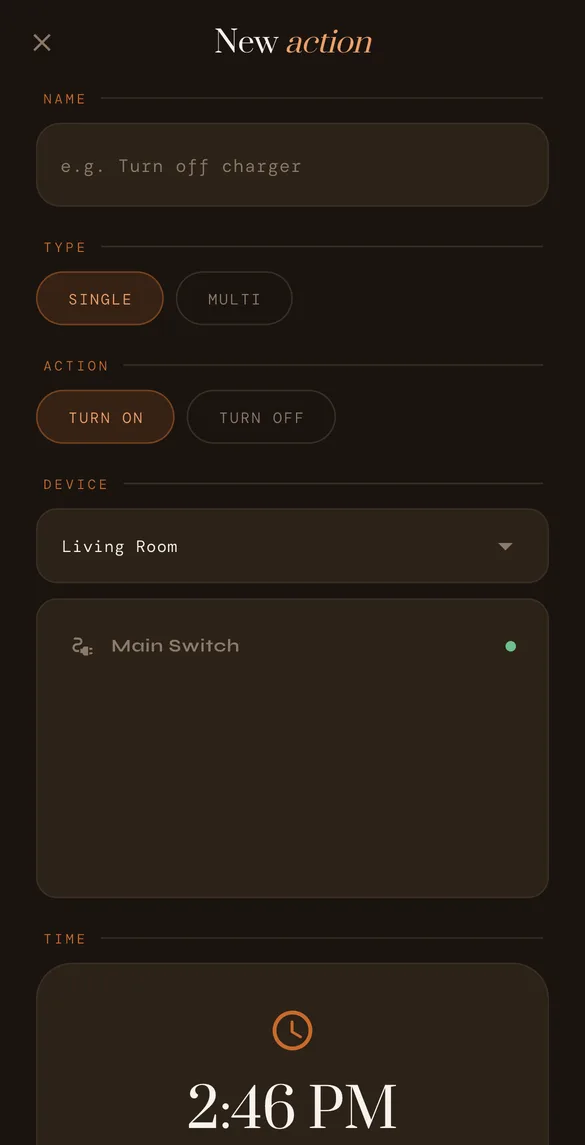
Hot water, then off
Open Actions in the meshams app and create a new action. Choose Multi, pick the geyser, set the time it should come on and how long it should run, say 20 minutes. The geyser switches on at that time and off again when the 20 minutes are up, whether or not your phone is with you.
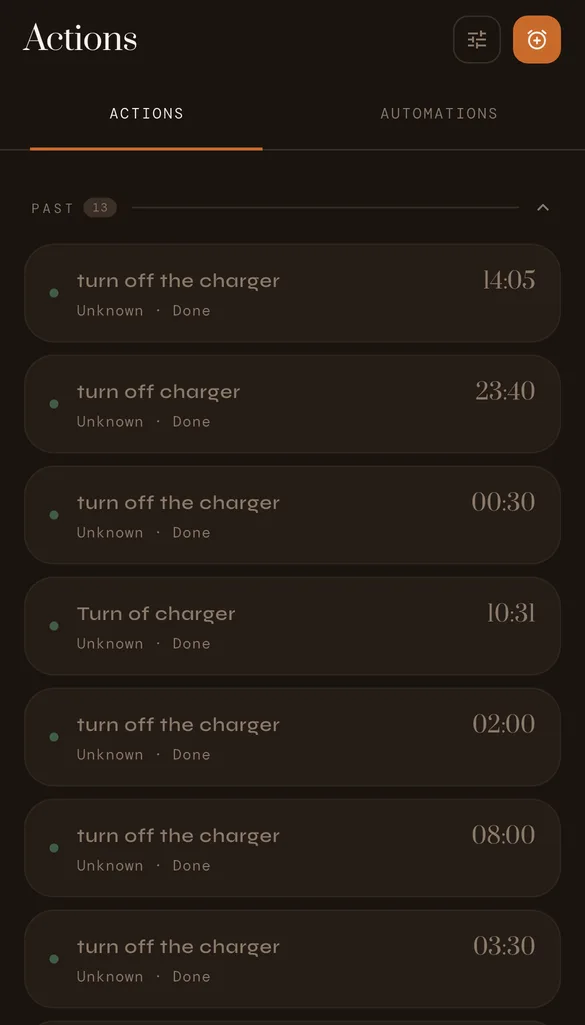
Every action you set is listed with its time and marked Done once it has run, so you can see what happened.
- Single: switch the geyser on or off at a set time.
- Multi: on at a set time, off after the minutes you choose.
- Each timed action runs once; set the next one whenever you like.
Or just ask
Alexa
"Alexa, turn off the geyser."
Google Assistant
"Hey Google, turn on the geyser."
Claude
"Turn the geyser off at 10 pm."
Smart geyser switch: your questions.
Which Lumos switch should I use for a geyser?
The Lumos Single Switch 16A, which is made for heavy loads like a geyser. Your meshams technician checks the geyser's rating before fitting it.
Can the geyser switch itself off?
Yes. Create a Multi timed action in the meshams app: choose the geyser, the time it should come on and how many minutes it should run. It switches on at that time and off when the minutes are up.
Can it switch on every morning on its own?
A timed action runs once, at the time you set. Set it the night before, or ask Claude to do it for you. A repeating daily schedule is not in the app yet.
Can I switch the geyser off when I am not at home?
Yes. Open the meshams app from anywhere with an internet connection and switch it off, or ask Alexa or Google Assistant.